
Chromebook Games: What Runs, and How to Make It Smooth
Many PC games do not run on a Chromebook. Browser games do – with no installation, no Windows and often surprisingly smoothly.
In short
A Chromebook runs ChromeOS, not Windows. Classic PC games that you download for Windows therefore usually do not start on it. There are three good ways to play, though: browser games, Android apps from the Play Store and cloud gaming services. Browser games are the simplest, because they need neither an installation nor a store account – open the address and go.
Which games run on a Chromebook?
Browser games run directly in Chrome. Modern browser games use WebGL, an interface through which the browser uses the device's graphics chip for 3D graphics. That makes games with a real 3D world possible in the browser today, not just simple 2D games.
Android apps can be installed from the Google Play Store on most current Chromebooks. Many are built for touchscreens, though, and are awkward to control with a mouse and keyboard.
Cloud gaming streams a game that runs on a remote computer to the Chromebook like a video. That needs a fast, stable internet connection and usually a subscription.
| Way | Installation | Controls | What you need |
|---|---|---|---|
| Browser game | none | mouse, keyboard, touch | Chrome |
| Android app | from the Play Store | often designed for touch | Play Store on the device |
| Cloud gaming | none or an app | depends on the service | fast connection, often a subscription |
How to make 3D games run smoothly
Chromebooks are often economical devices with modest graphics. With a few tweaks a lot still runs smoothly:
- Turn on graphics acceleration: in Chrome under Settings → System, "Use graphics acceleration when available" should be on. Otherwise the processor draws the graphics alone.
- Close other tabs: every open tab uses memory. Devices with 4 GB of RAM benefit especially.
- Plug in the charger: on battery, many Chromebooks throttle their performance.
- Lower the graphics in the game: a lower setting for shadows and detail often makes the biggest difference.
- Keep Chrome up to date: new versions often bring better graphics drivers and faster rendering.
What about school Chromebooks?
Many Chromebooks in schools are managed centrally. The school can block individual sites, app installations or games. If a game does not start on such a device, that is usually down to these rules and not the device. Games are better played after class anyway.
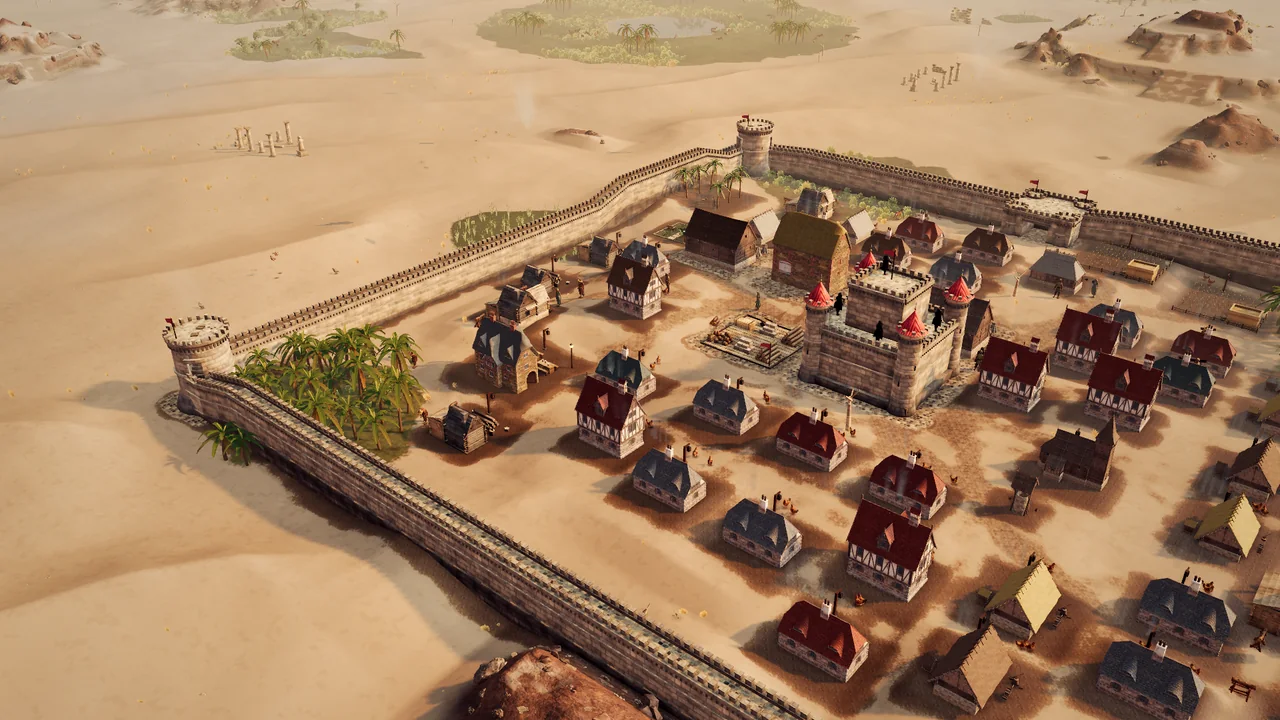
Strategy on a Chromebook: Kingdoms of Sand
Kingdoms of Sand is a real-time strategy game with castle building, economy and sieges that runs entirely in the browser. That makes it a good fit for Chromebooks:
- No download: open the page and play.
- 3D in the browser: the game uses WebGL. If the browser does not provide WebGL, the game says so instead of showing a black screen.
- Graphics settings: in the game menu you choose Auto, Maximum, High, Medium or Low. Auto lowers the detail by itself when the device struggles; on weak devices you can also pick Low straight away.
- Mouse, keyboard or touch: on Chromebooks with a touchscreen, tapping, swiping and two-finger zoom work too.
- With friends: matches run online with up to eight players, mixed with PC, Mac, tablet and phone.
Your progress with trophies and rank belongs to your account, not the device. If you switch from the Chromebook to another computer, sign in there and carry on. How to get into real-time strategy is in our guide real-time strategy for beginners, and why an RTS in the browser makes sense at all is on our page about the browser RTS.
Frequently asked questions
Can you play PC games on a Chromebook?
Classic Windows games usually do not run. Browser games, many Android apps and cloud gaming do work.
Why does a game stutter on my Chromebook?
Common reasons are graphics acceleration being switched off, many open tabs, running on battery or graphics settings in the game that are too high.
Do browser games need to be installed?
No. A browser game runs directly in Chrome. You open the address and play.
Read on
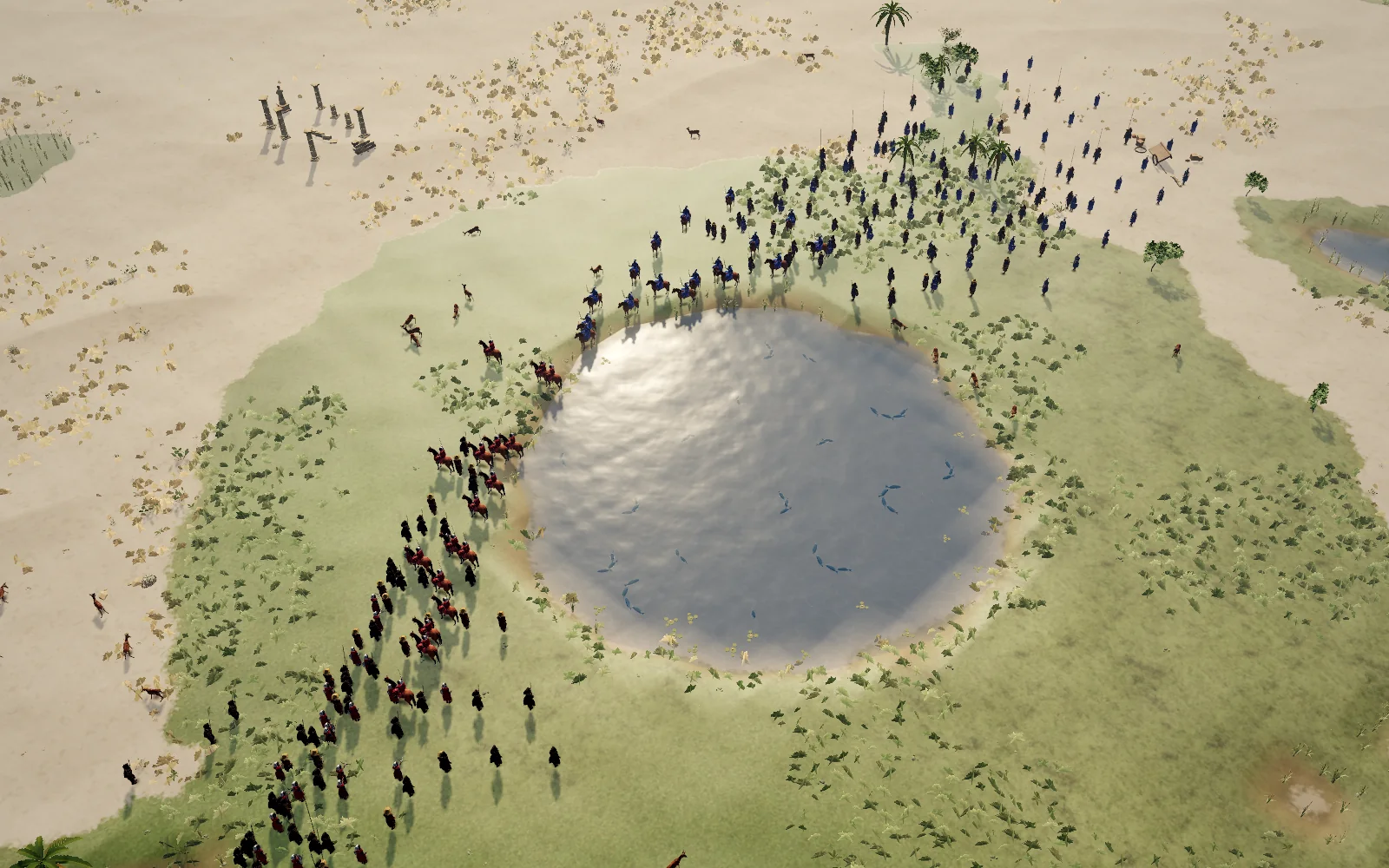 Real-Time Strategy for Beginners: 10 Tips to StartNew to real-time strategy? Ten tips on economy, scouting, army and defense that will make your first matches go much better.Strategy Games With Friends: How to Make the Night a Good OneAgainst each other, together or as a team against bots: how to get the most out of strategy games with friends and what you need for a good game night.
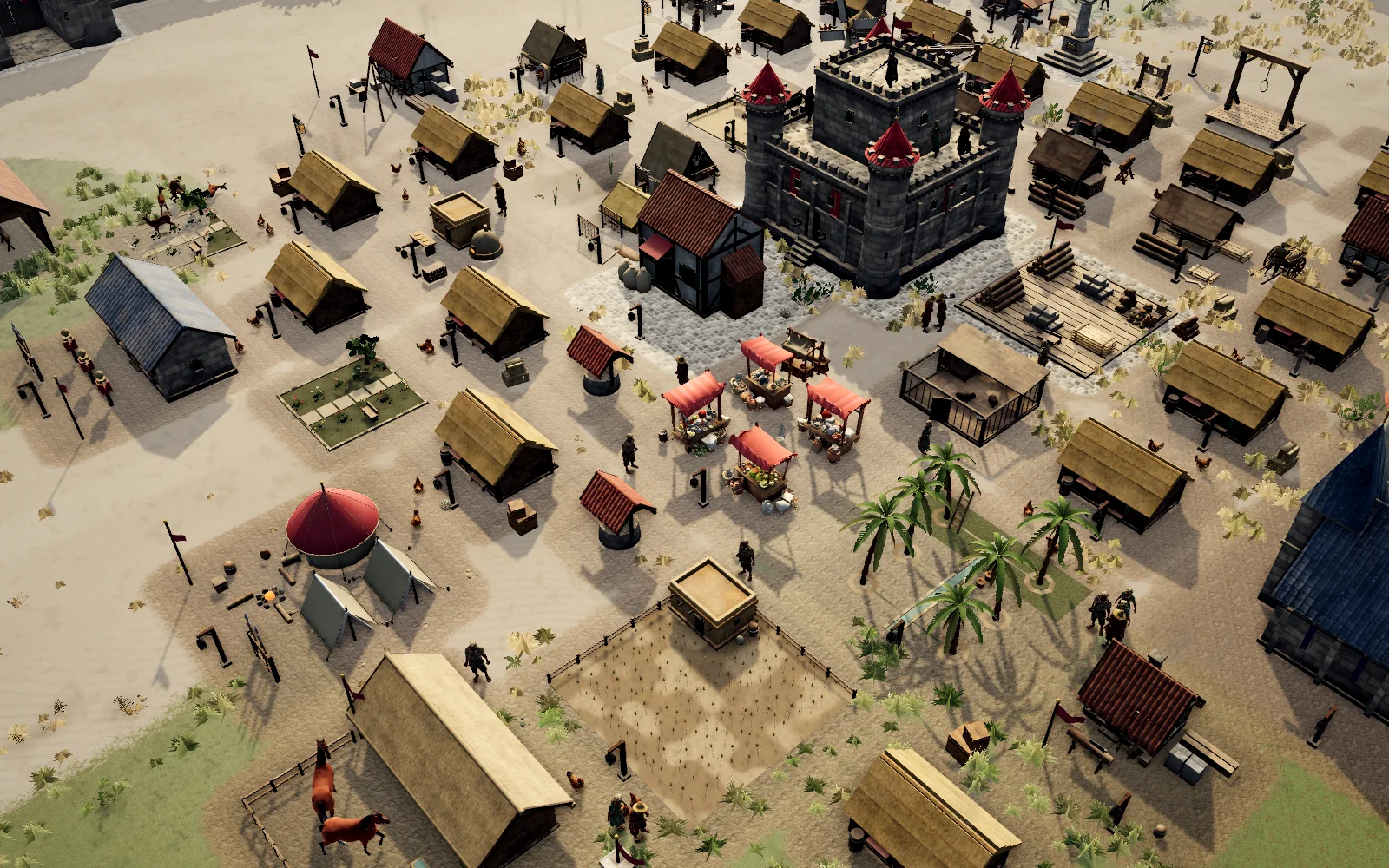 Understanding Production Chains in City BuildersWhat production chains are, how to find bottlenecks and how to keep an economy in balance – explained with bread, planks and weapons as examples.